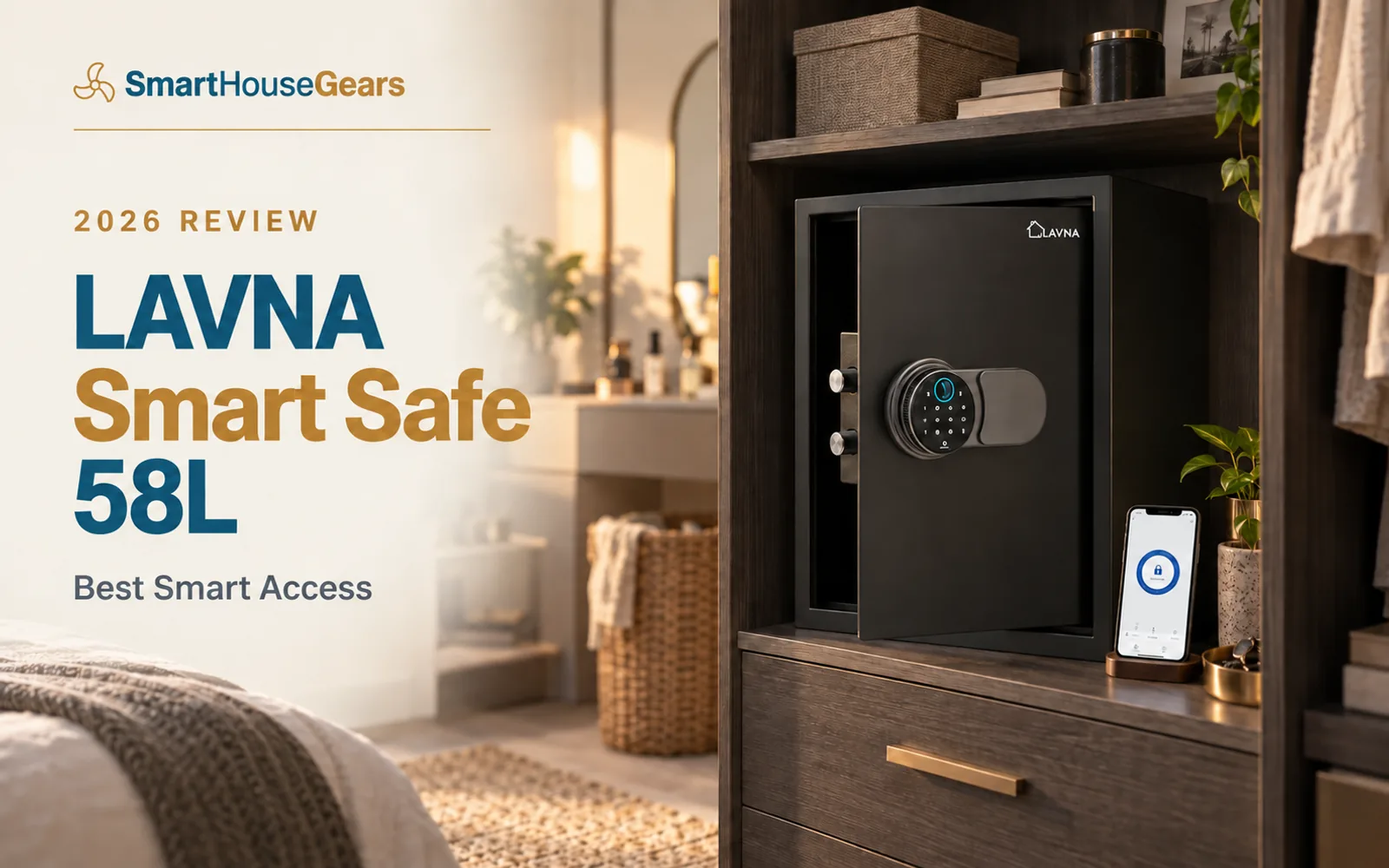
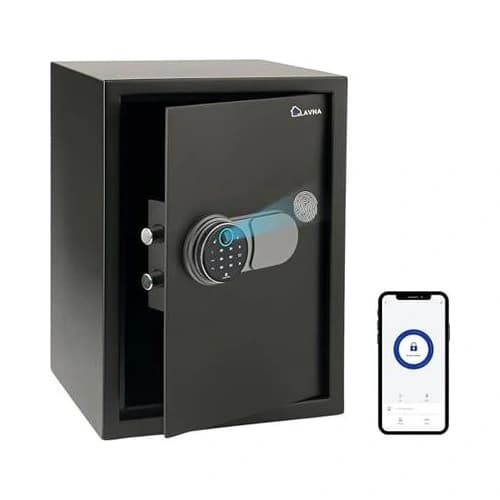
This LAVNA 58L smart safe review India covers the access-flexibility winner, with fingerprint, Bluetooth app, PIN, OTP and mechanical-key opening.
It offers unusual control for families and small offices at a keen price, but remote Wi-Fi operation needs a separate gateway and strong permissions discipline.
₹7,990.00Save 71%
Amazon.in price as of 11:48 am IST, 25 Oct 2026. Details
The LAVNA 58L smart safe review India buyers need should focus on permission control, because that is where this model is genuinely different from every other pick.
Fingerprint, Bluetooth app, PIN, OTP and mechanical-key access give a family or small office five ways to manage entry. The value is real, but only if the administrator understands which method works locally and which needs extra hardware.
The Households That Benefit from Five Access Methods
A typical couple does not need an OTP for a jewellery locker. Fingerprint and a backup key cover the job with less complexity.
The LAVNA becomes compelling when access changes. A joint family, home office, family-run shop or household managing valuables for an older parent can give each person the narrowest practical route.
Regular adults use fingerprints. The administrator keeps the master PIN and app. A temporary user receives an OTP only when there is a clear reason and another trusted person understands the event.
It can also suit a professional storing documents, cash records and devices after business hours. Bluetooth opening and logs add accountability without placing a permanent code on a shared notice board.
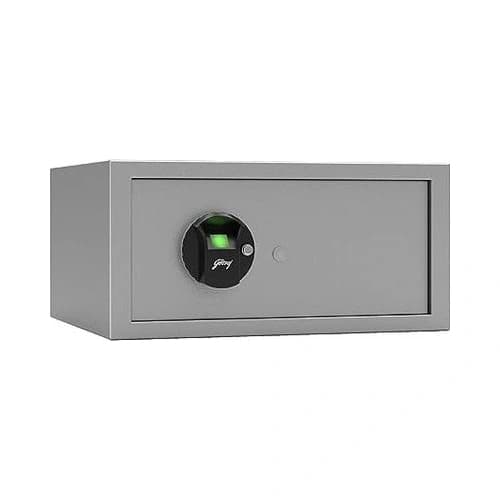
Skip it if apps make you anxious or if nobody will maintain user permissions. A simpler Yale, Godrej or Ozone safe creates fewer administrative mistakes.
Bluetooth Is Local, While Remote Wi-Fi Needs a Gateway
The phone connects over Bluetooth within roughly five metres. That makes the app a local key: useful in the same room, independent of broadband and limited by physical proximity.
Remote Wi-Fi control requires a compatible LAVNA gateway. The gateway joins the local lock to the internet, and both it and the router need power if you expect remote access during a household outage.
This distinction prevents disappointment. Buying the safe alone does not create automatic access from another city, even if the product name includes "smart".
Local fingerprint and PIN entry continue from the internal batteries. A Delhi power cut therefore does not lock the family out, while app access remains a secondary convenience.
Bluetooth also limits the attack surface compared with an always-online device. Keep phone Bluetooth and location permissions limited to what the app needs, and remove the app from old phones before selling them.
Designing a Sensible Permission Hierarchy
Choose one primary administrator and one recovery administrator. More admins make credential changes harder to track and raise the odds that nobody knows who altered a setting.
Enrol individual fingerprints for regular users. Never share one permanent PIN with the whole family, because a shared code cannot tell you whose habits need correcting.
Keep the master PIN private. It should not match a door lock, phone passcode, UPI PIN or common family date.
Use OTP access sparingly. A one-time credential can be appropriate when a trusted relative needs a document while you are away, but it should not become a routine substitute for planning.
Review access events after temporary use and remove permissions that no longer serve a purpose. Former staff, old phones and unused accounts should not remain attached "just in case".
The mechanical key sits outside the digital hierarchy. Store it securely away from the safe and tell one recovery person where it is.
Fingerprint Setup for a Multi-User Family
LAVNA states that its safe range stores up to 50 fingerprints. That is enough to record several fingers for each trusted adult without crowding the memory.
The 360-degree reader is designed to accept different approach angles. Mounting height still matters, so enrol or recheck fingerprints from the installed position.
Scan the same finger through the full enrolment sequence and vary the contact slightly. The goal is to teach the reader the natural parts of the fingertip, not one perfect laboratory pose.
Register fingers from both hands. Mehendi, cuts, flour, oil, dry skin and monsoon moisture can all affect a surface scan for a day or two.
Do not enrol domestic workers or temporary staff merely because slots are available. Use an OTP or supervised access if the situation truly requires entry.
If recognition becomes inconsistent, clean the sensor with a dry microfibre cloth, delete the weak template and enrol again. Pressing harder usually adds distortion rather than useful detail.
Gross Capacity and How to Organise the 58L Body
LAVNA identifies 58 litres as gross capacity and lists external dimensions around 500 x 330 x 350mm. Door electronics, steel walls and shelves all reduce the usable interior.
The tall body suits several jewellery cases, cash records and document groups. It does not mean every large A4 box file will fit, so test rigid items before the return period ends.
Create an access-based layout. Place frequently needed documents near the front, high-value jewellery in labelled inner pouches and recovery items where they cannot obstruct the bolts.
Avoid storing emergency phone credentials or the only app recovery code inside the same safe. Digital recovery should remain possible when the cabinet will not open.
A rechargeable desiccant canister is worth the small space. The enclosed 58L body can hold humid air through a coastal monsoon and damage paper long before the steel shows corrosion.
Do not overload a removable shelf or wardrobe base. Add the cabinet, contents and the force of a swinging door when assessing support.
The Physical Security Behind the Smart Panel
LAVNA states that the safe uses carbon-steel construction and 304-grade stainless-steel bolts. Those bolts resist ordinary corrosion and secure the door after the motor closes.
The published smart features do not establish a certified burglary class. Treat the cabinet as a domestic theft deterrent and access-control device.
Its most important physical feature is the mounting provision. An unanchored large safe remains a movable container, especially if the low purchase price encouraged a lightweight installation plan.
Use structural anchors appropriate to RCC, solid brick, AAC or hollow masonry. The supplied fastener cannot be assumed correct for every Indian building.
Conceal the safe behind an opaque wardrobe or office cabinet, but do not rely on furniture screws. Fasteners should pass through the panel and reach real structure.
App notifications only reach you while the device, gateway, account and phone all stay connected. A properly fixed cabinet slows the event whether the internet works or not.
Secure LAVNA Smart Safe Setup
Create two administrators onlyUse one daily admin and one recovery adult, with separate strong account credentials
Map access by roleUse fingerprints for regular adults, OTPs for genuine temporary needs and keep the master PIN private
Decide on the gatewayAdd Wi-Fi hardware only if remote access solves a defined problem
Anchor into structureFix through wardrobe board into RCC, solid brick or a substrate-specific anchor system
Test offline behaviourTurn off broadband and confirm fingerprint, PIN, key and local Bluetooth routes
Audit old accessRemove former users, old phones and unused temporary credentials promptly
LAVNA Smart Safe 58L Specifications
Advertised capacity
58 litres gross
External dimensions
About 500 x 330 x 350mm
Access methods
Fingerprint, Bluetooth app, PIN, OTP and key
Fingerprint storage
Up to 50 fingerprints
Reader
360-degree fingerprint sensor
Local app range
Bluetooth, roughly within 5 metres
Remote Wi-Fi
Requires a separate compatible gateway
Locking bolts
304-grade stainless steel
Construction
Carbon-steel cabinet
Battery guidance
Branded alkaline cells recommended
Typical India price band
₹8,000-₹10,000
Best use
Shared family or small-office access
Privacy, Phone Security and Account Recovery
Treat the phone app as a key ring. Protect the handset with a strong screen lock, keep the operating system current and disable notification previews that reveal one-time credentials.
Use a unique account password. Reusing an email password from another service turns an unrelated data breach into a possible safe-access concern.
Do not share administrator login details over a family messaging group. Add members through the intended permission flow and remove them individually when access changes.
Keep account recovery outside the cabinet. If the only recovery information is locked inside, a lost phone and forgotten password become one combined failure.
Before replacing a phone, remove or transfer the device correctly. Factory reset the old handset only after the new one can control and audit the safe.
If you sell or relocate the safe, remove every user, unpair the app and perform the documented reset. Physical possession and digital ownership must change together.
Where the LAVNA Delivers Exceptional Value
Five access modes at this price are unusual. Families paying far more for basic fingerprint-only cabinets get a stronger service brand, but nothing like the same permission flexibility.
The OTP option solves temporary access without exposing a permanent PIN. Bluetooth provides a local phone route even when broadband is down.
The large body can serve a family or small office rather than acting as an expensive passport box. Its verified owner sentiment also suggests the access idea works for more than early adopters.
Complexity is the obvious cost. More credentials, apps and optional hardware create more settings that someone must maintain.
The separate gateway requirement is easy to miss. Buyers expecting out-of-box remote control will be disappointed unless they understand and budget for that dependency.
Brand service is another consideration. LAVNA publishes direct support, but Yale and Godrej remain more familiar in many tier-2 and tier-3 locations.
LAVNA 58L Versus the Simpler Local-Access Safes
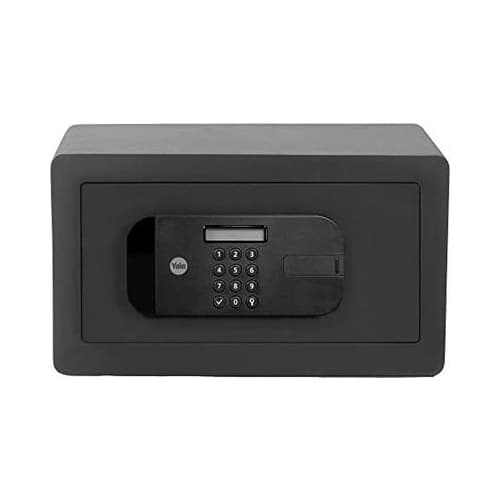
The Yale Stellar 390/DB2 is our better all-round family safe. It gives up app and OTP control but offers clearer steel and bolt specifications in a well-balanced 41L body.
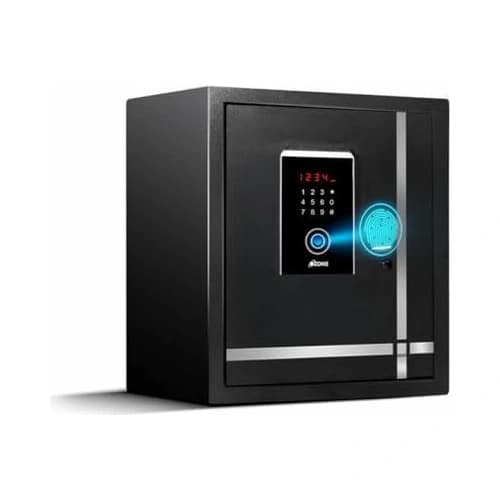
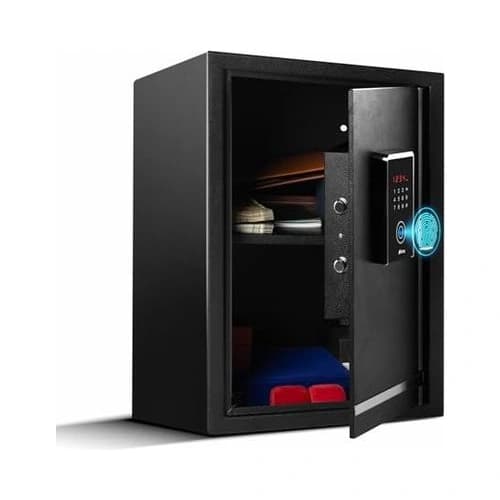
The Ozone Safilo Bio-2 55L is the large dual-authentication alternative. It can require fingerprint plus PIN, weighs more and avoids phone permissions entirely.
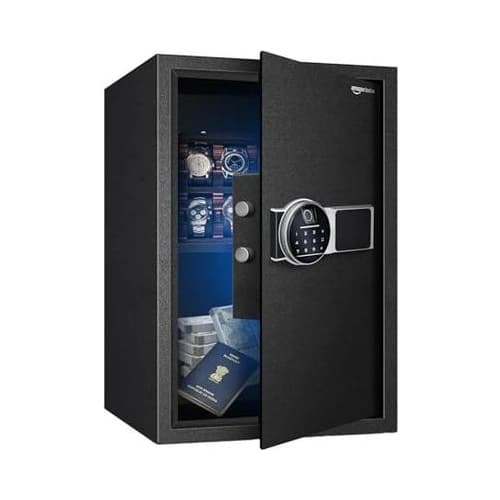
The Amazon Basics 55L Fingerprint Safe is the physical-value rival. Choose it for cabinet weight and simple local opening, not activity management.
The LAVNA wins when access changes over time. If every authorised person lives in the home and uses the safe normally, a simpler product will be easier to own.
Buying, Support and the First-Week Test
Buy from Amazon.in only after confirming that the 58L option is selected. Related capacity variants can share a page, and choosing by the hero picture alone risks receiving a different size.
Inspect the body, door, bolts, keys, battery tray and mounting pack before discarding the carton. Pair the app and create users while the door remains open.
Test fingerprint, PIN, OTP, Bluetooth and key access individually. Then disable broadband to confirm which functions remain local.
Contact LAVNA support during the return period if gateway compatibility or account behaviour is unclear. A vague remote-access requirement should be resolved before masonry drilling.
Keep the invoice and support details outside the safe. Record no master PIN in those documents.
Verdict: Smart Access with Clear Boundaries
The LAVNA 58L smart safe review India verdict is positive because the intelligence solves a real problem: controlled access for several people without sharing one permanent code.
Fingerprint, Bluetooth app, PIN, OTP and key entry make it the most flexible safe in the shortlist. Its large gross body and keen price extend that value beyond software.
The limits are equally clear. Remote Wi-Fi needs a gateway, the administrator must maintain permissions and the cabinet still needs structural anchoring.
Buy it for a joint family, caregiving setup, home office or small business that will use temporary and individual access. If you only need a fingerprint for two adults, buy the simpler Yale Stellar instead.
Frequently asked questions
Can the LAVNA 58L safe unlock over Wi-Fi?
Not by itself. The included smart function works over Bluetooth at close range, while remote Wi-Fi operation requires a compatible LAVNA gateway. Fingerprint, PIN, OTP and key access remain available without home broadband.
How many fingerprints does the LAVNA smart safe store?
LAVNA states that its digital safe range stores up to 50 fingerprints. Enrol two or more fingers for each regular user and keep administrator access limited to one or two trusted adults.
Is OTP access safe for domestic help or staff?
A time-limited OTP is safer than revealing the permanent master PIN when temporary access is genuinely necessary. Share it privately, confirm the purpose, review the event afterwards and remove any ongoing permission the person no longer needs.
Does the LAVNA safe work during a power cut?
Yes. Local fingerprint, PIN and key access use the safe's internal batteries and do not depend on household power. Bluetooth also works locally, although a Wi-Fi gateway and router need backup power for remote features during an outage.
Is 58 litres the usable internal capacity?
The listing describes 58 litres as gross capacity. The steel walls, door electronics, locking hardware and shelf reduce usable space. Measure important folders or cases against the interior after delivery.
Which batteries should I use in the LAVNA safe?
LAVNA recommends branded alkaline batteries and warns against rechargeable cells for its digital safe range. Replace the complete set together and inspect the battery area regularly during humid monsoon months.
Other picks we reviewed
More biometric safe lockers with a full review each.
Discussion
Be the first to comment