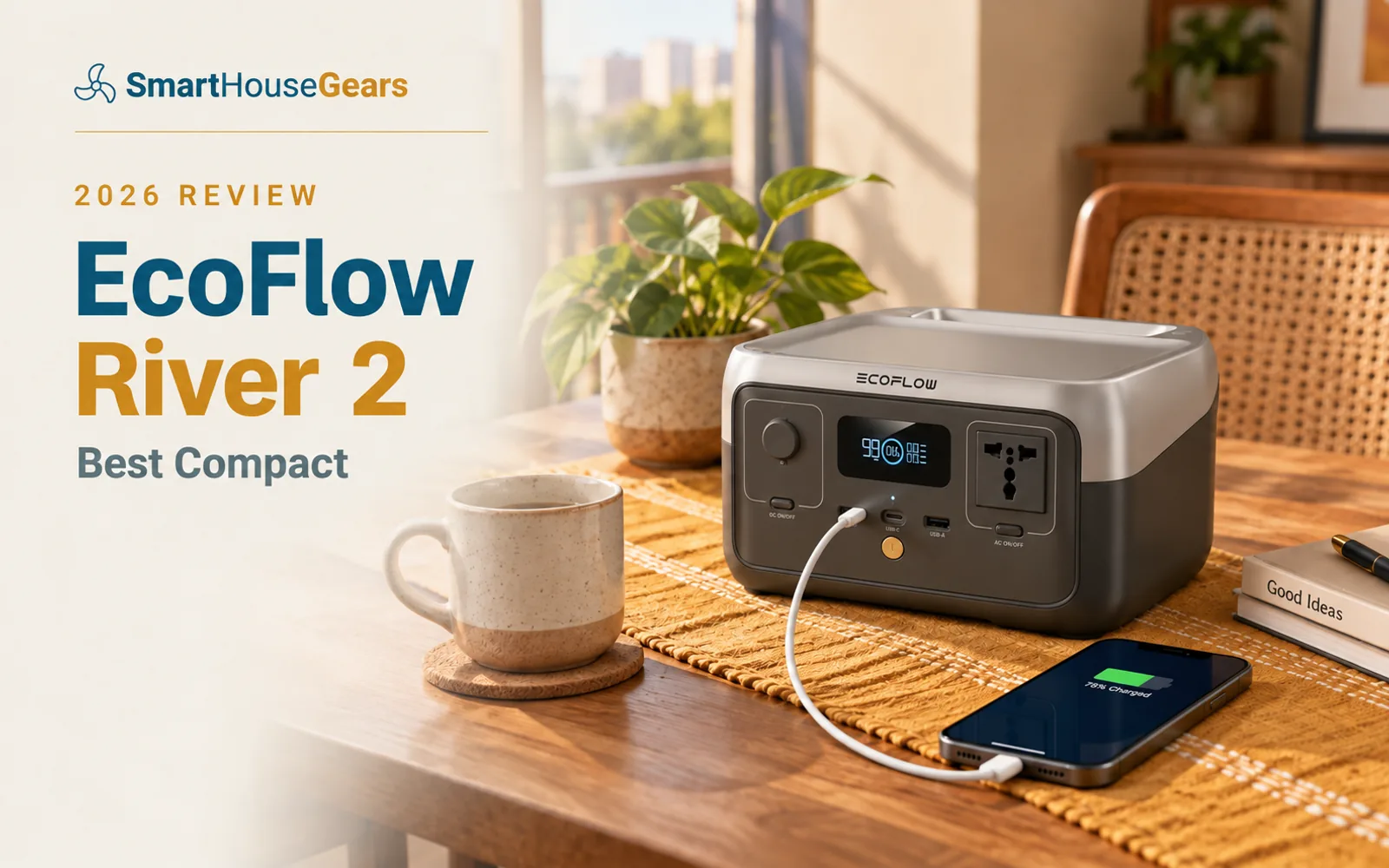
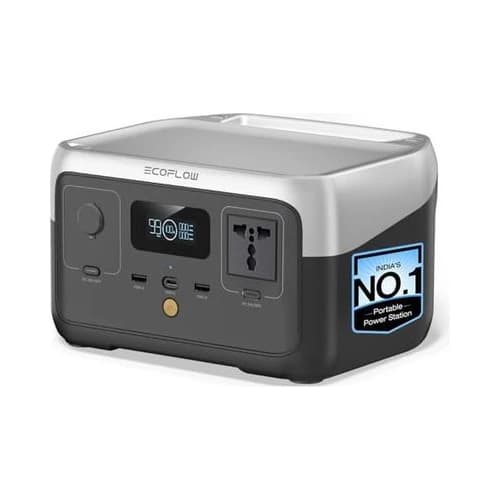
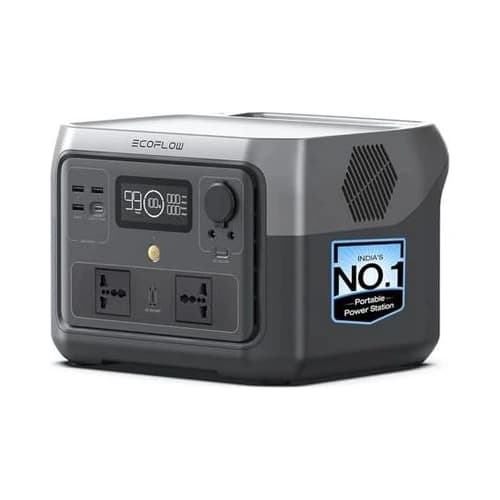
EcoFlow River 2 review India buyers should treat this as a compact router, laptop and emergency-electronics station. The 256Wh LiFePO4 battery is useful, but it is not built for fridge or long fan backup.
It is the easiest EcoFlow to carry and store, which makes it attractive for renters, students, creators and small work desks that need backup without a full inverter setup.
₹27,390.00Save 45%
Amazon.in price as of 1:04 pm IST, 8 Oct 2026. Details
EcoFlow River 2 review India buyers should not overestimate this little station. It is a compact backup box, and that is both its strength and its limit.
In our portable power station India guide, it gets the Best Compact badge because it solves a narrower problem well. It keeps routers, laptops, phones, lights and small electronics alive without taking up space.
Who Should Buy the EcoFlow River 2
Buy it if you live in a rented room, hostel, PG, small 1BHK or shared flat and only need basic backup. It is ideal for people who want to keep working when the power drops.
It also suits creators who need camera battery charging, LED panel backup or laptop top-ups during outdoor shoots.
The River 2 is not for families expecting broad home backup. If two people need fans, a TV and a router for hours, step up to the EcoFlow River 2 Max.
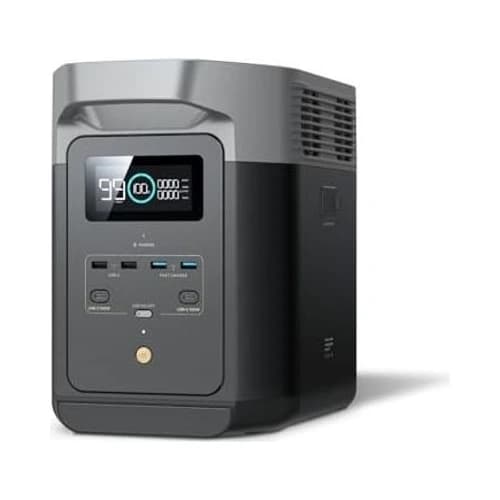
If fridge backup is part of your plan, skip straight to the EcoFlow DELTA 2. The River 2 is not built for that job.
Why the Small Size Is Useful
Backup gear only helps if you actually keep it charged and nearby. That is where the River 2 has an advantage.
It is easy to store under a desk, near the router or in a wardrobe. You can move it without planning around weight or space.
For renters, that matters. You may not have a fixed utility area or permission to install inverter wiring. A compact power station avoids that issue.
It also works as a travel backup. Weekend stays, content shoots, camping trips and power-uncertain guest rooms are all reasonable use cases.
The small size does not make it weak. It simply means you need to choose loads carefully.
What the 256Wh Battery Can Actually Do
The River 2's 256Wh battery is best understood as an electronics backup pool. Routers, phones, tablets, camera chargers, LED lamps and laptops are its natural loads.
A router and modem can run for a useful amount of time because they draw little power. A laptop can charge once or help you stretch through a work session.
A small LED light barely affects runtime. A fan affects runtime much more, especially at high speed.
This is why load discipline matters. Plugging in everything on your desk because the outlet is available will drain the battery faster than expected.
Use the River 2 for priority devices first. If the power cut lasts longer than expected, you will be glad you did.
Output: AC Convenience in a Small Box
The big difference between the River 2 and a normal power bank is the AC outlet. A power bank is great for phones. The River 2 can run devices that expect wall power.
That includes many laptop chargers, router adapters, small lights, camera chargers and some low-power accessories.
Do not confuse AC convenience with unlimited power. A 300W-class compact station is not meant for heavy appliances.
Router Backup: The Most Practical Use Case
If your fibre router loses power, everything else becomes harder. Work calls drop, smart cameras disconnect and streaming stops.
The River 2 handles router and modem backup well. It is overkill for router-only backup, but it earns its price when you also need laptop and light backup.
If internet is the only load, buy a router UPS instead. It will be cheaper and can stay permanently connected.
If you want a single box that also powers a laptop and charges phones, the River 2 makes more sense.
The River 2 should be set up like a grab-and-use emergency tool. Keep it charged, keep cables nearby and know what you will plug in first.
Do not hide it behind heavy furniture. If it takes ten minutes to retrieve, you will not use it during short outages.
River 2 Compact Backup Checklist
Router adapterKeep the right power cable accessible
Laptop chargerUse it only when your laptop battery needs help
Phone cableStore one Type-C cable with the station
LED lampLow-watt light gives useful comfort for little battery drain
No fridge loadsThis station is too small for serious fridge backup
Monthly top-up checkMake sure it is charged before outage season
EcoFlow River 2 Specs at a Glance
Battery capacity
256Wh
Battery type
LiFePO4
Output class
300W listed, 600W X-Boost listed
Charging
0 to 100 percent listed around 60 minutes
Solar input
Compatible solar charging listed
Best use
Router, laptop, phone, light and camera backup
Typical India price range
₹20,000 to ₹25,000
Live buyer rating used in guide
4.2 out of 5 from 44 reviews
What We Like About the River 2, and What to Watch
We like how clear the River 2's role is. It is small, fast-charging and useful for electronics.
The LiFePO4 battery is a strong point at this size. You are not buying a disposable high-capacity power bank.
The AC outlet makes it far more flexible than a USB-only battery pack. For laptop and router use, that matters.
The watch-out is capacity. A 256Wh battery can feel generous with a router and phone, then feel small once you add a fan.
The review count is also modest. It clears the bar, but it does not have the same buyer depth as the larger DELTA 2.
How the River 2 Compares With Other Picks
Compared with the EcoFlow River 2 Max, the River 2 is smaller and cheaper but much less useful for fan backup. If you can stretch, the Max is the better home pick.
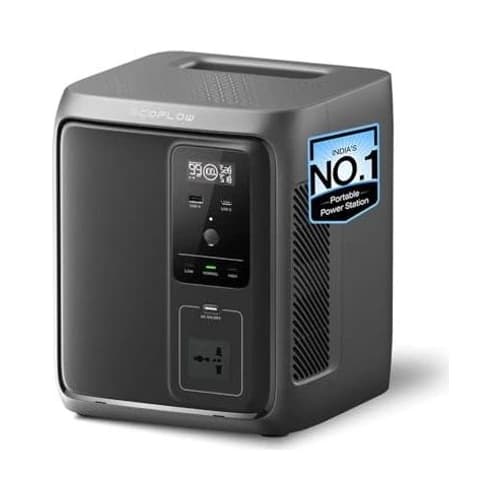
Compared with the EcoFlow DELTA 3 1000 Air, the River 2 is a compact emergency station, not a room-backup hub.
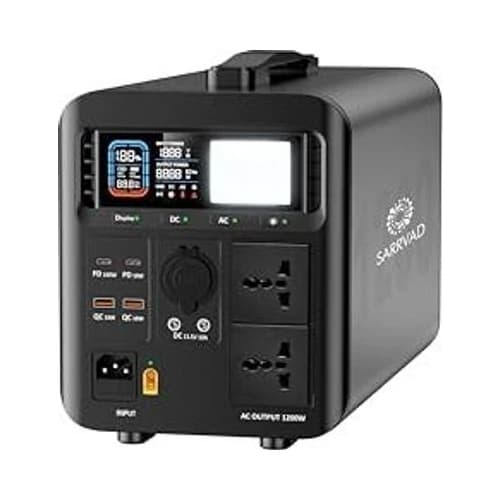
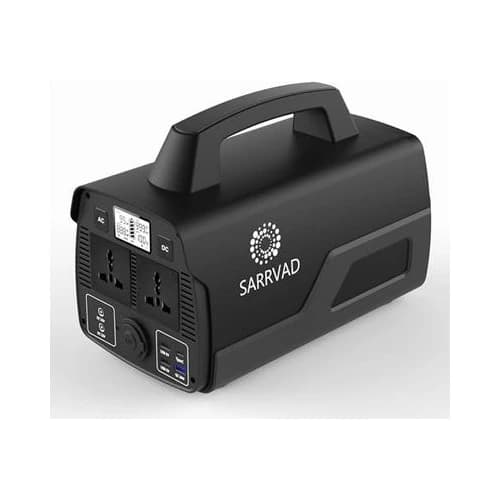
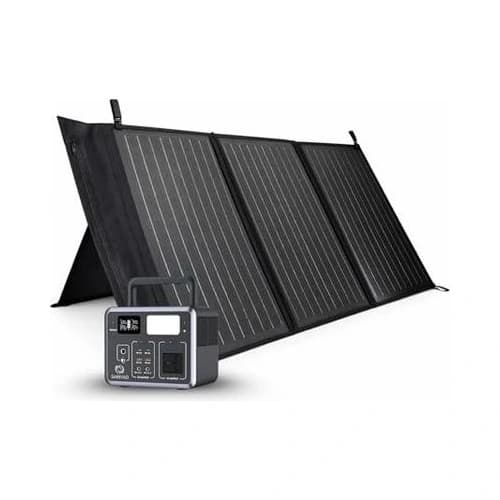
Compared with the Sarrvad X300 Solar Combo, the River 2 is the cleaner urban choice. The Sarrvad makes more sense if the included solar panel is important.
Compared with a router UPS, the River 2 is more expensive but more flexible. Choose the router UPS for internet only. Choose this for internet plus laptop plus light.
Buying and First-Use Notes
Check the seller and warranty details before buying. You want the India voltage listing, not a confusing import meant for another market.
After delivery, test it with your actual router and laptop. Do not wait until a work emergency to find out that a cable is missing or a load behaves differently.
Keep the station in a ventilated place. Small does not mean heat-proof.
If you store it for months, check the manual for ideal storage charge. Good battery care protects long-term value.
Owning the River 2 in India
The River 2 is most useful in homes where the power cut problem is small but irritating. It is for the 40-minute outage that drops a meeting, not the six-hour summer cut that needs a full inverter.
For a student, it can keep a laptop and phone alive through online classes. For a renter, it can keep WiFi working without asking the landlord for permission to install anything.
For a creator, it is a handy charging base for camera batteries, action cameras, LED panels and audio gear. It is easier to carry than larger 1kWh stations, which matters when you are already carrying a tripod and lights.
In a smart home, use it for the network core. Router, modem and maybe one hub should be the first devices you test. If the internet stays online, your cameras and alerts have a better chance of staying useful.
The River 2 also works as a backup for small medical comfort devices only after checking wattage and runtime. Do not assume. Test the exact device, and for medical-critical use, follow the device maker's guidance.
During monsoon, keep it away from windows and damp corners. A portable station should not sit on a balcony floor or near rain splash, even if the outage starts during a storm.
During peak summer, avoid charging it in direct sun. Heat is bad for battery health, and Indian balcony cabinets can get hotter than people expect.
The best habit is simple: recharge after use, check it monthly, and keep the router cable in the same drawer. Small backup tools work only when they are ready.
Our Verdict on the EcoFlow River 2
EcoFlow River 2 review India verdict: buy it if you want compact, clean backup for small electronics.
It is excellent for routers, laptops, phones, LED lights and creator gear. It is not the right choice for fridges, large fans, long TV sessions or family-wide backup.
For a renter, student or compact work desk, it is a smart little station. For most homes, the River 2 Max is the better stretch.
Frequently asked questions
Is the EcoFlow River 2 enough for a WiFi router?
Yes. A WiFi router and modem are exactly the kind of low-power loads the River 2 handles well. Runtime depends on the router adapter wattage and whether other devices are connected.
Can the EcoFlow River 2 run a laptop?
Yes, it can charge and run most laptops within its output limit. Runtime depends on laptop size, charging wattage and whether the laptop battery is already full.
Can the River 2 run a fan?
It can run some small or efficient fans, but the 256Wh battery limits runtime. If fan backup is a major priority, the River 2 Max or DELTA 2 is a better choice.
Is the River 2 good for a fridge?
No. It is too small for serious fridge backup. Choose a larger 1kWh-class station if fridge support matters.
Is the EcoFlow River 2 better than a power bank?
Yes, for AC devices. A normal power bank can charge phones and some USB-C laptops, while the River 2 gives you a wall-style AC outlet and a larger LiFePO4 battery.
Who should skip the EcoFlow River 2?
Skip it if you want to power a TV, fan and laptop together for long periods, or if you expect fridge backup. It is a compact essentials unit, not a full home-backup station.
Other picks we reviewed
More portable power stations with a full review each.
Discussion
Be the first to comment