Skip to content

Climate Control

Sensi Touch 2 Smart Thermostat Review
Subhadeep GhoshUpdated April 7, 20264.6 rating
Sensi Touch 2 review for USA buyers
Best for Easy Use
4.6(4,832 reviews)

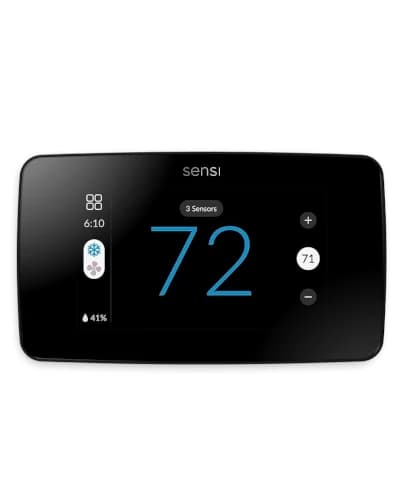
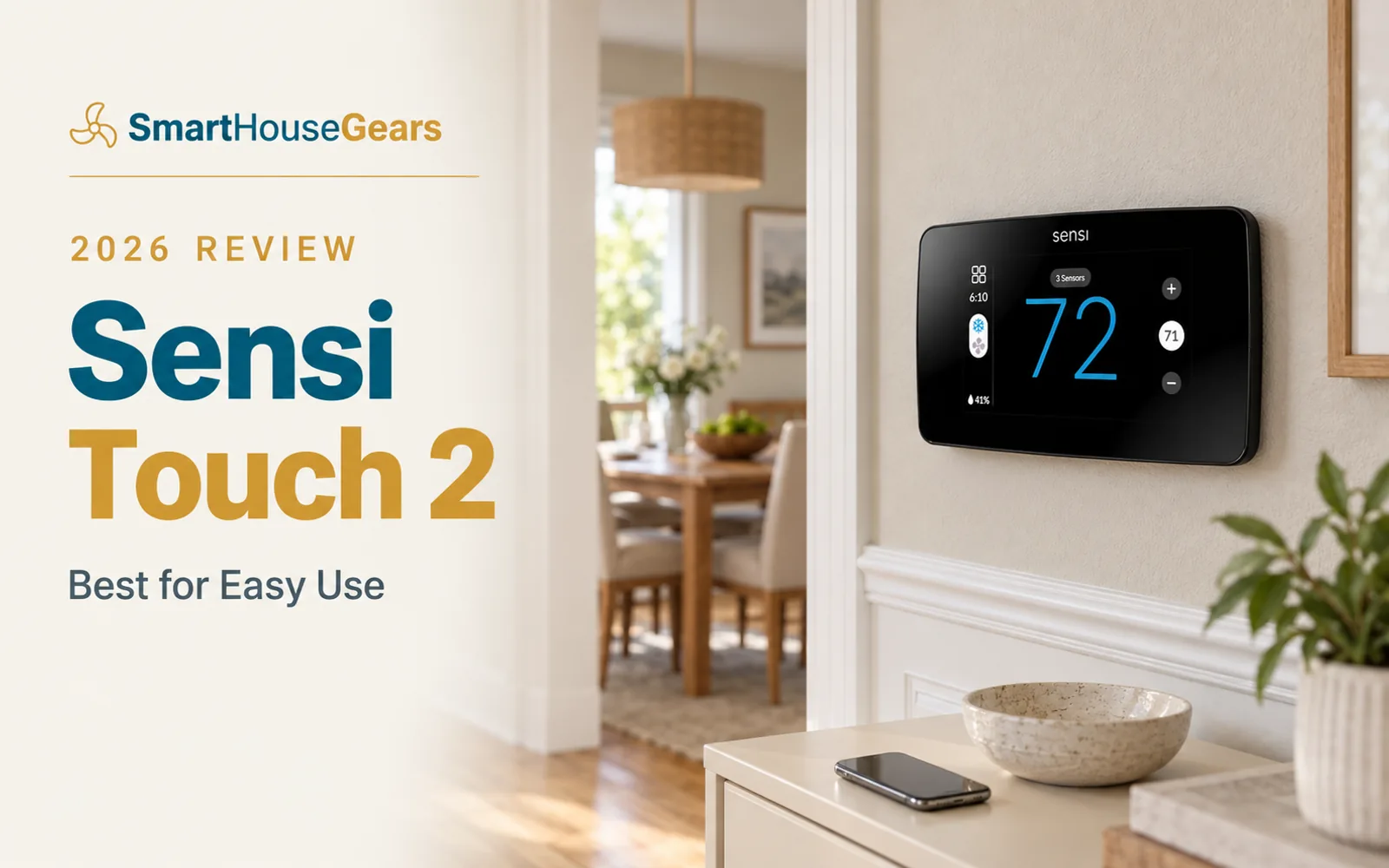
The Sensi Touch 2 is the smart thermostat for people who want it to just work. A clean color touchscreen, a genuinely good app, and broad platform support make it the easiest mid-range recommendation in our guide.

It skips the flashy extras — no room sensor, no learning algorithm, no built-in speaker — in favor of reliability and simplicity, backed by one of the largest review bases of any thermostat we track.

$159.99Save 15%

Amazon.com price as of 26/07/2026. Details

Value
Excellent value
Rating
4.6/5
Reviews
4,832
Not every buyer wants a thermostat that tries to run the whole house. A large share of American homeowners just want something that installs cleanly, follows a schedule, has a good app, and never becomes a headache two months later. The Sensi Touch 2 does that better than almost anyone, which is why it is our Best for Easy Use pick in the smart WiFi thermostat guide.
It is not the flashiest option here. There is no room sensor, no learning algorithm, no speaker on the wall. What it offers instead is reliability — and one of the biggest, happiest review bases of any thermostat we track.

Who Should Buy the Sensi Touch 2

Buy the Sensi Touch 2 if your priority is a thermostat that just works. It is the safest recommendation for a household that includes people who do not want to learn a complicated interface — parents, roommates, tenants, or anyone who resents fighting an app to change the temperature.
It is also a smart pick for a mixed-platform home. Because it supports Alexa, Google, Apple HomeKit, and SmartThings out of the box, you are not forced to pick an ecosystem before you buy.
It is not the right choice if you specifically want room sensors, learning automation, or air quality data. If you have hot and cold rooms to fix, the Honeywell Home T9 includes a sensor; if you want deeper automation, the ecobee Enhanced is the better platform.

The Sensi App: Simple That Actually Works

The Sensi app is the quiet reason this thermostat earns its rating. Temperature adjustments, schedule changes, and usage reports all respond quickly, without lag, buried menus, or surprising behavior. That sounds like a low bar until you test thermostat apps back-to-back and feel how much daily friction the bad ones create.
You interact with a thermostat app far more often than the device on the wall, so app quality is not a footnote — it is the experience. Sensi's app has one of the strongest reliability reputations in the category, and it shows in the enormous, positive review base.
It also handles the practical jobs well: 7-day scheduling, geofencing, usage history, filter-change reminders, and system alerts that flag unusual HVAC behavior before it becomes a service call.

Broad Platform Support Without a Hub

For a mid-range thermostat, the Sensi Touch 2 punches above its weight on compatibility. It works natively with Amazon Alexa, Google Home, Apple HomeKit, and SmartThings — no Matter bridge or extra hub required.
That flexibility is genuinely useful. If your home runs a mix of assistants, or you have not committed to one, the Sensi slots in without forcing a decision. Add an Echo later, switch to Google, or bring in an Apple device, and the thermostat keeps up.

Installation, the C-Wire, and Data Privacy

The Sensi Touch 2 is built for DIY installation. The app checks your wiring compatibility and walks you through the swap, and most homeowners with standard wiring finish in well under an hour.
The one detail to confirm first is the C-wire. Unlike the original Sensi, the Touch 2 requires a common wire for constant power. Pull your old thermostat off the wall and look for a wire on the C terminal before you order. If you do not have one and cannot add one, an ecobee with its included Power Extender Kit is the safer path.
Sensi also leans into data privacy as a selling point — it does not sell your personal data, which matters to buyers wary of a cloud-connected device tracking their home. If minimizing subscriptions and data sharing is part of your plan, our build a smart home with no monthly fees guide fits the same philosophy.

Everyday Comfort Features

Beyond the basics, the Sensi Touch 2 covers the comfort details that matter day to day. It reads humidity alongside temperature, supports geofencing so the system eases off when you leave, and can pair with Sensi Room Sensors if you later decide you want limited multi-room input.
The color touchscreen is clean and readable, if smaller and simpler than the 5-inch panel on the Honeywell X8S. That restraint is intentional. This is a thermostat that aims to be invisible in the best way — set it, forget it, and let it quietly do its job.

Sensi Touch 2 Specs at a Glance

Display
Glass color touchscreen
Dimensions
About 5.6 x 3.25 x 0.77 inches
Room sensor
Not included (optional Sensi Room Sensors)
Learning
No learning; flexible 7-day scheduling plus geofencing
Platforms
Alexa, Google Home, Apple HomeKit, SmartThings
Connectivity
2.4GHz Wi-Fi plus Bluetooth Low Energy setup
C-wire
Required
HVAC support
Most 24V systems including standard heat pumps
Certification
ENERGY STAR, utility rebate eligible
Typical price
About $150 to $190

What We Like, and What to Watch

The strengths are all about daily life. It is exceptionally easy to set up and use, the app is a standout for reliability, platform support is broad including Apple HomeKit, the price is fair for the polish, and the system alerts add real peace of mind. The huge, positive review base is the market telling you the same thing.
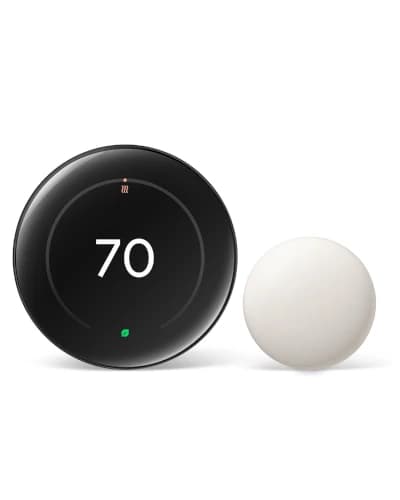
The watch-outs are about depth. There is no bundled room sensor, no learning automation as clever as ecobee's eco+ or Nest's algorithm, a smaller and simpler display than the X8S or Nest 4th Gen, and no built-in air quality or voice features. And it requires a C-wire, so confirm your wiring first.

Before You Install the Sensi Touch 2

Confirm you have a C-wireThe Sensi Touch 2 requires a common wire — check the C terminal on your old thermostat
Run the Sensi compatibility checkThe app verifies your system before you commit
Photograph your old wiringRecord every wire and terminal before disconnecting
Pick your main platformSet up Alexa, Google, or Apple HomeKit first, then add others if needed
Have your 2.4GHz Wi-Fi readyKeep the network name and password handy for pairing
Check your utility rebateThis ENERGY STAR model is often rebate eligible

How the Sensi Touch 2 Compares With ecobee and Honeywell

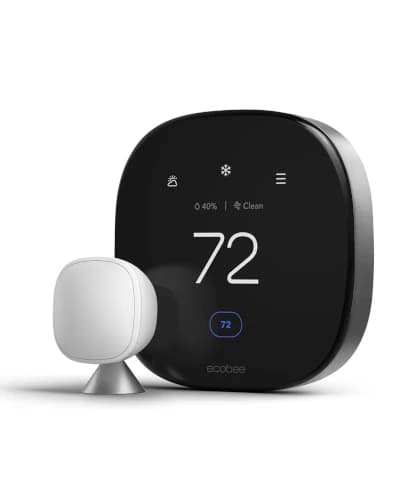
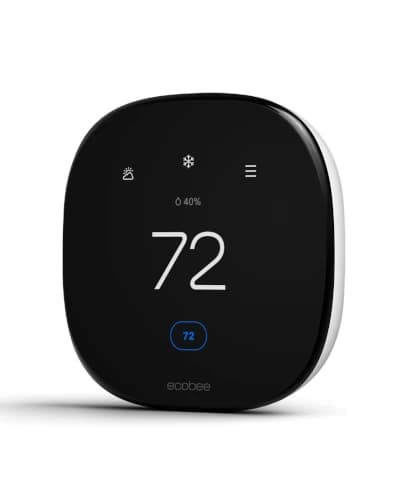
Against the ecobee Enhanced, the Sensi wins on plug-and-play simplicity and its cleaner, better-loved app, while the ecobee wins on deeper eco+ automation and an included Power Extender Kit for homes without a common wire. If you have a C-wire and want easy, buy Sensi; if you lack a C-wire or want smarter automation, buy the ecobee.
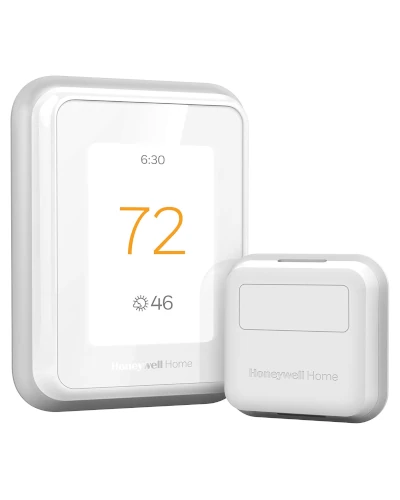
Against the Honeywell Home T9, the Sensi is the friendlier daily driver, while the T9 includes a room sensor that fixes hot and cold spots the Sensi cannot address. Choose Sensi for simplicity, the T9 for room comfort.
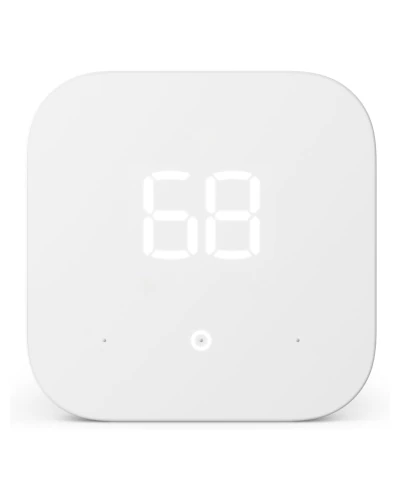
Against the Amazon Smart Thermostat, the Sensi costs more but adds a proper touchscreen, broad platform support, and a far more capable app. The Amazon pick is cheaper and Alexa-only; the Sensi is the better everyday experience.

The Verdict

The Sensi Touch 2 is the easiest smart thermostat to live with in 2026. It skips the gimmicks and nails the fundamentals: clean touchscreen, dependable app, broad platform support, and a huge base of satisfied owners.
Buy it if you want a thermostat that installs cleanly and never fights you, you have a C-wire, and you value reliability over feature depth. If you need to fix uncomfortable rooms, the Honeywell T9 is the better tool, and if you lack a C-wire, the ecobee Enhanced solves that with its included Power Extender Kit. For most homes that just want it to work, though, Sensi is one of the safest buys in the market.

How it compares

The other picks in this guide at a glance, with a thumbnail, rating, and where each one wins.

Frequently asked questions

Is the Sensi Touch 2 easy to install yourself?

For most homes with standard 24V wiring, yes. It is designed as a DIY swap, the Sensi app walks you through wiring with a compatibility check, and the whole job usually takes 20 to 45 minutes. The one detail to confirm first is a C-wire, since the Sensi Touch 2 needs one for reliable power.

Does the Sensi Touch 2 need a C-wire?

Yes. Unlike the original Sensi, the Sensi Touch 2 requires a C-wire (common wire) for constant power. Pull off your old thermostat and look for a wire on the C terminal before buying. If your wiring does not have one and you cannot add one, an ecobee with its included Power Extender Kit is a better fit.

Which smart home platforms work with the Sensi Touch 2?

It has broad support for a mid-range thermostat, working with Amazon Alexa, Google Home, Apple HomeKit, and SmartThings. That out-of-the-box flexibility is a real advantage for homes that mix platforms or have not committed to one assistant.

Does the Sensi Touch 2 have a room sensor or learning?

No. It does not include a room sensor or a self-learning algorithm. It relies on flexible 7-day scheduling and geofencing instead. If you need room-to-room balancing, the Honeywell T9 or ecobee Premium are better suited; if you want simple, reliable control, that is exactly what Sensi is built for.

Why is the Sensi Touch 2 app so well regarded?

Because it stays out of your way. Temperature changes, schedule edits, and usage reports respond quickly without confusing menus or unexpected behavior. Sensi also emphasizes data privacy, and the app has one of the strongest reliability reputations in the category, which is why the thermostat has such a large, positive review base.

Is the Sensi Touch 2 good for a heat pump?

Yes. It supports the HVAC systems found in most homes, including standard heat pump setups with auxiliary heat. For multi-stage or dual-fuel systems, check the Sensi compatibility tool with your wire labels before ordering, and consider professional installation if the wiring is unusual.

Continue reading

Discussion

Be the first to comment

Have a question or experience to share? Scroll down to leave a comment.