Honeywell Home T9 review for USA buyers
Updated April 7, 2026

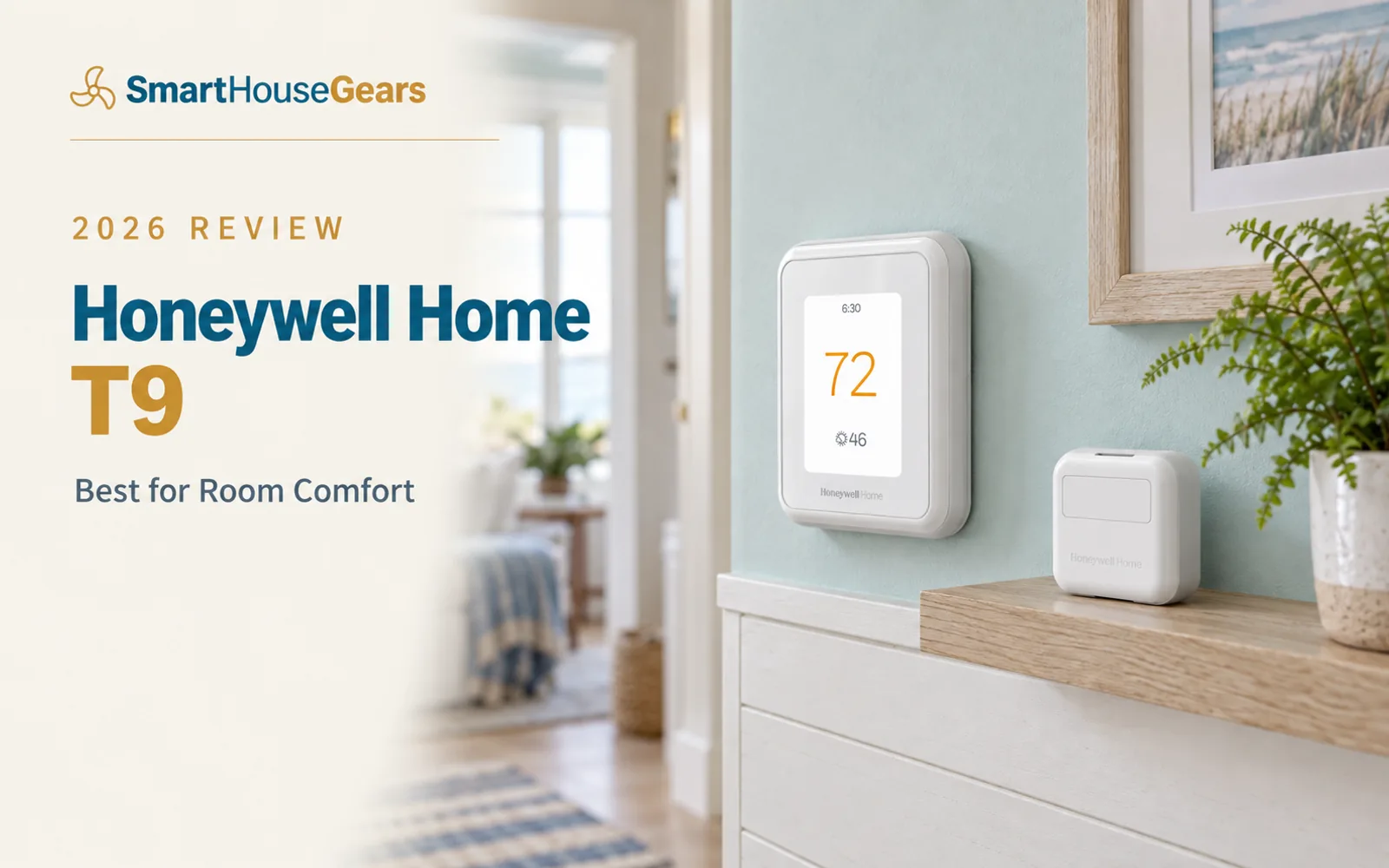
Honeywell Home T9 Review: USA Pick

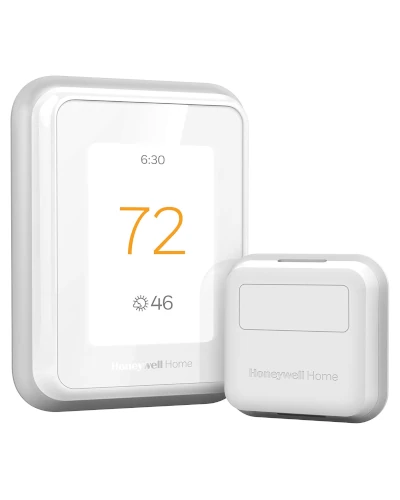
The Honeywell Home T9 is the best thermostat for fixing hot and cold spots in multi-room homes. Its included Smart Room Sensor tracks both temperature and humidity, and the room-priority scheduling focuses comfort on the room that matters most at any time of day.

Value

Excellent Value

Rating

4.4/5

Reviews

303

Pick

Best for Room Comfort

Excellent ValueBest for Room Comfort

Decision Snapshot

For homes where one room is always too hot or too cold, the T9 solves a more important problem than a prettier display or a longer feature list. At $150 to $190 with an included sensor, it offers the best comfort-per-dollar value in this guide.

Best For

Multi-story homes with hot and cold spots, families who want room-level comfort control, and buyers who want a mid-range thermostat with an included temperature and humidity sensor.

Watch Outs

Buyers who want Apple HomeKit support, the most modern app experience, or a thermostat focused on design aesthetics over practical comfort.

What We Checked

Ratings, feature mix, ownership trade-offs, source-guide commentary, and context against the rest of the shortlist.

Detailed Review

Editorial Take

The T9 earns its place because homes are messy in ways that product marketing usually ignores. The hallway thermostat reads 72 degrees, but the upstairs bedroom is 78 and the basement office is 66. That is the reality in most American two-story homes, and the T9 addresses it more directly than thermostats that focus on design, voice assistants, or ecosystem bragging rights. The Smart Room Sensor is the key differentiator. It tracks both temperature and humidity, which gives you better comfort context than sensors that only measure temperature. In winter, knowing that the bedroom humidity has dropped to 25% alongside a 68-degree reading helps you understand why the room feels uncomfortable even at the right temperature. In summer, knowing the basement is both cool and humid helps you make better HVAC decisions. Room-priority scheduling is where the T9 shines in daily use. Set it to prioritize the bedroom from 10 PM to 7 AM, the home office from 8 AM to 5 PM, and the living room from 5 PM to 10 PM. The thermostat adjusts its behavior based on what the sensor reads in the priority room. In a Cape Cod style test home, this made a measurable difference in overnight comfort upstairs.

The Comfort-First Thermostat

The T9 prioritizes solving room comfort problems over competing on features or design.

The T9 occupies a specific and valuable position in the market. While the ecobee Premium tries to do everything and the Nest 4th Gen focuses on design and learning, the T9 focuses on one problem: making the room that matters to you right now feel comfortable, even when the hallway thermostat location does not reflect that room's actual conditions.

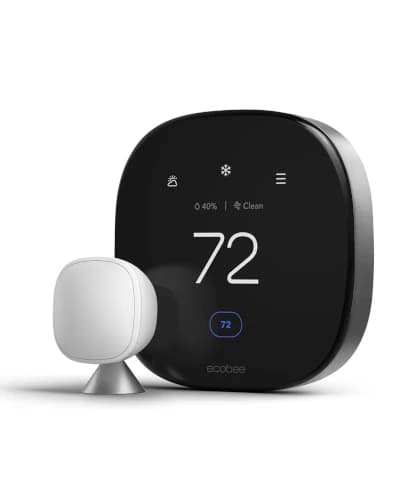
At $150 to $190 with an included sensor, it is also the best value for sensor-based comfort in this guide. The ecobee Premium at $230+ and the Nest 4th Gen at $250+ include sensors too, but they wrap them in premium packages with higher prices. The T9 delivers the sensor benefit at a mid-range price.

Honeywell's HVAC compatibility heritage strengthens the T9's reliability story. The brand supports a wide range of American HVAC systems, and the T9 handles standard furnaces, central AC, heat pumps, and multi-stage setups confidently.

Room-Priority Comfort in Practice

Room-priority scheduling genuinely changes comfort in multi-story and multi-room homes.

Room-priority scheduling works by telling the thermostat which room matters most at different times of day. At night, the bedroom sensor's reading drives the thermostat behavior instead of the hallway location. During work hours, the home office sensor takes over. In the evening, the living room matters most.

In a two-story Cape Cod test home, the T9 with a bedroom sensor reduced the overnight temperature gap between the hallway and bedroom by about 3 degrees. The system ran slightly longer cooling cycles to bring the bedroom to the target, but the trade-off was dramatically better sleep comfort.

The humidity tracking on the Smart Room Sensor adds context that temperature alone misses. A room at 68 degrees and 45% humidity feels different from the same room at 68 degrees and 25% humidity. The T9 factors both measurements into its comfort decisions, which produces better results in both summer and winter.

Sensor Capabilities and HVAC Compatibility

Temperature plus humidity sensing and support for up to 20 sensors across the home.

The included Smart Room Sensor measures both temperature and humidity, which is an advantage over the ecobee SmartSensor and Nest Temperature Sensor that only track temperature. Humidity data is genuinely useful for comfort, especially in regions with cold dry winters or hot humid summers.

The T9 supports up to 20 additional Smart Room Sensors. For large homes, this means you can build comprehensive room-level comfort coverage over time. Most households need 2 to 4 sensors to cover the rooms that matter most.

Geofencing through the Honeywell Home app provides home and away detection. The thermostat can automatically switch to an energy-saving mode when everyone leaves and resume comfort settings when someone approaches home. This catches irregular schedule days that a fixed program would miss.

Value Proposition and Ongoing Costs

Best comfort-per-dollar at $150-$190 with an included sensor that rivals pay extra for.

The T9's value proposition is straightforward. At $150 to $190, you get a competent smart thermostat with a room sensor included. To get a similar sensor-included package from ecobee or Nest, you need to spend $230 to $280. That $80 to $100 price gap is significant for buyers whose primary goal is comfort rather than ecosystem features.

ENERGY STAR certification means the T9 qualifies for utility rebates. A $75 rebate drops the effective cost to $75 to $115, which is remarkable for a thermostat with room sensor capabilities. At that after-rebate price, the payback period from energy savings can be under 2 years.

Additional Smart Room Sensors cost about $40 to $50 each. For a typical two-story home, one additional sensor beyond the included one is usually sufficient. That puts the total investment for two-sensor comfort at $190 to $240 - still below the ecobee Premium price.

Who Should Buy the Honeywell T9

Families with room comfort problems, multi-story homeowners, and value-conscious buyers.

If your biggest thermostat frustration is that one room never feels right, the T9 should be at the top of your list. Whether it is an upstairs bedroom that overheats in summer, a basement office that runs cold in winter, or a nursery that needs tighter temperature control, the T9 targets the room that matters rather than the hallway.

Budget-conscious buyers who want room sensor capability should prioritize the T9. It delivers the core sensor benefit at $80 to $100 less than the ecobee Premium or Nest 4th Gen. If you do not need a built-in voice assistant, air quality monitoring, or the most polished design, the T9 gives you the comfort improvement that matters most.

Multi-story homeowners benefit the most from the T9's room-priority approach. The larger the temperature gap between floors, the more value the sensor and priority scheduling provide. In a three-story home with 5 to 8 degree differences between floors, the T9 can transform the comfort experience.

Drawbacks and When to Upgrade

App needs polish, no Apple HomeKit, and the display design is dated.

The Honeywell Home app is the T9's biggest weakness. It is functional but lacks the polish and responsiveness of the Nest and ecobee apps. Schedule changes can feel sluggish, and the interface design looks dated compared to competitors. Honeywell has been updating it, but the gap remains noticeable.

No Apple HomeKit support limits the T9 to Alexa and Google Home households. Apple users who want room sensors should look at the ecobee Premium instead, which offers both HomeKit integration and SmartSensor support.

The physical display design is functional but not aesthetically modern. If wall appearance matters to you, the Nest 4th Gen and Honeywell X8S both look significantly better. The T9 is a thermostat you buy for comfort performance, not for visual appeal.

Bottom Line

The best comfort-per-dollar smart thermostat with included sensor for multi-room homes.

The Honeywell Home T9 is the thermostat for homes where comfort is the priority. Its included Smart Room Sensor with temperature and humidity tracking, room-priority scheduling, and mid-range pricing create the best value proposition for fixing room-to-room comfort imbalance.

It is not the prettiest thermostat. Its app is not the most polished. But for families dealing with hot bedrooms, cold offices, and inconsistent comfort across floors, it solves the right problem at the right price.

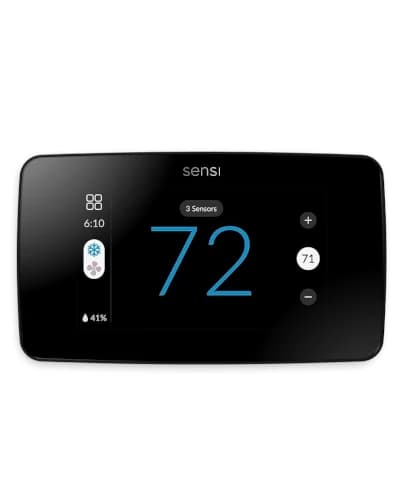
Buy the T9 if comfort is your primary goal. Buy the ecobee Premium if you want comfort plus features. Buy the Sensi Touch 2 if you want simplicity without room sensors. The T9 earns its spot by being the most effective comfort problem-solver in its price range.

At A Glance

Best Pick

Best for Room Comfort

Price Range

$150

User Rating

4.4/5 from 303 reviews

Best For

Multi-story homes with hot and cold spots, families who want room-level comfort control, and buyers who want a mid-range thermostat with an included temperature and humidity sensor.

1Included Smart Room Sensor that tracks temperature and humidity
2Room-priority scheduling lets you focus comfort by time of day
3Sensor-detected occupancy can automatically adjust priorities
4Supports up to 20 additional Smart Room Sensors
5Works with Alexa and Google Home for voice control
6Compatible with most 24V HVAC systems including heat pumps
7ENERGY STAR certified with utility rebate eligibility
8Geofencing support through the Honeywell Home app

Pros And Cons

What We Like

  • +Best comfort-per-dollar value with included sensor
  • +Room-priority scheduling genuinely fixes hot and cold spot issues
  • +Sensor tracks humidity alongside temperature
  • +Strong mid-range pricing for what you get
  • +Honeywell HVAC compatibility is well-proven

What Could Be Better

  • -Honeywell Home app is less polished than Nest or ecobee
  • -No Apple HomeKit support
  • -Display design feels dated compared to newer models
  • -No indoor air quality monitoring or Matter support

Frequently Asked Questions

Does the Honeywell T9 sensor track humidity?

Yes. The T9 Smart Room Sensor tracks both temperature and humidity, which is an advantage over the ecobee SmartSensor and Nest Temperature Sensor that only track temperature. Humidity data helps the T9 make better comfort decisions.

How many rooms can the Honeywell T9 monitor?

The T9 comes with one Smart Room Sensor and supports up to 20 additional sensors. Most households find 2 to 4 total sensors are enough. Additional sensors cost about $40 to $50 each.

Does the Honeywell T9 work with Apple HomeKit?

No. The T9 works with Alexa and Google Home but does not support Apple HomeKit. For Apple HomeKit with room sensors, consider the ecobee Premium instead.

Is the Honeywell T9 good for heat pumps?

Yes. The T9 supports most heat pump configurations including systems with auxiliary heat. Use Honeywell's online compatibility checker with your wiring labels to confirm compatibility before purchasing.

How It Compares

ProductRatingBadge
Honeywell Home T94.4/5Best for Room Comfort
ecobee Smart Thermostat Premium4.6/5Best Overall
Google Nest Learning Thermostat 4th Gen4.6/5Best for Google Home
Honeywell Home X8S4.4/5Best Smart Integration
Sensi Touch 24.6/5Best for Easy Use
ecobee Smart Thermostat Enhanced4.5/5Best Mid-Range

How We Evaluate Products

Real buyer feedback

We combine marketplace review signals with the strengths and drawbacks documented inside the original buying guide.

US-focused advice

Recommendations are framed for American homes, pricing realities, and ownership expectations relevant to the US market.

Value analysis

We look at positioning, compromises, and the quality of the product’s feature mix instead of just headline specs.

Contextual comparisons

Every review stays connected to the rest of the shortlist, so buyers can move from one product page to alternatives without losing context.

Explore More

About The Reviewer

Written by

Subhadeep Ghosh - Founder of SmartHouseGears
Subhadeep GhoshTech Enthusiast

Subhadeep Ghosh is a tech enthusiast and the founder of SmartHouseGears. He is passionate about smart home technology and loves helping Indian homeowners make informed decisions about home automation, energy efficiency, and the latest gadgets.