Skip to content

Wearables & Gadgets

RayNeo Air 3s Pro Review for First-Time Buyers

Subhadeep GhoshUpdated June 15, 20264.2 rating
RayNeo Air 3s Pro review for USA buyers
Best Budget Premium
4.2(570 reviews)

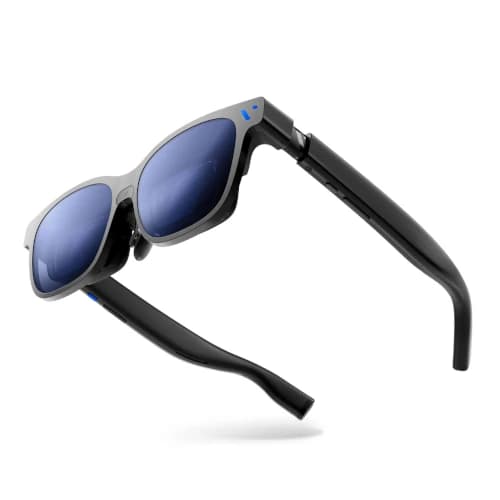
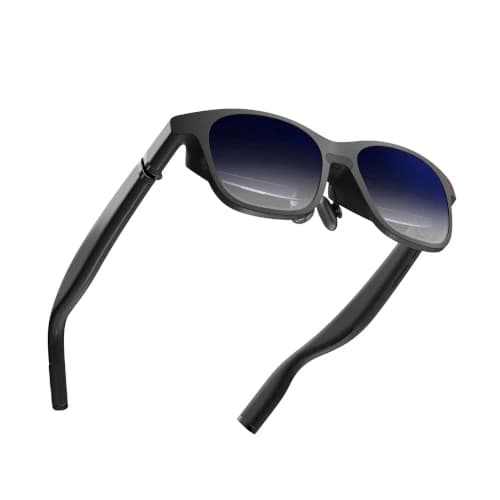
RayNeo Air 3s Pro is the safest lower-cost entry into premium display glasses, combining a strong owner rating, high-refresh gaming, a practical field of view, and a relatively light frame.

It does not include onboard spatial anchoring or the newest resolution, but it preserves the movie and gaming features that most first-time buyers actually use.

Value
Good value
Rating
4.2/5
Reviews
570

Summary

Our verdict

The bottom line, who it fits, and where to think twice before you scroll the full review.

Verdict

Buy RayNeo Air 3s Pro if you want to test the wearable-display category without starting near flagship prices. It is a credible travel and handheld-gaming product rather than a disposable budget experiment.

Skip it if head-locked screens make you uncomfortable or if you plan to read dense laptop text. Integrated spatial processing and higher resolution are worth paying for in those cases.

Best for

First-time AR display buyers, college students, casual travelers, Steam Deck owners, and shoppers who want high-refresh OLED gaming under typical flagship prices.

Watch outs

Motion-sensitive users who need screen anchoring, buyers seeking HDR or the widest field of view, and professionals replacing a high-resolution monitor.

Long read

Detailed review

Hands-on context, what daily ownership feels like, and where this pick lands against rivals.

Editor's take

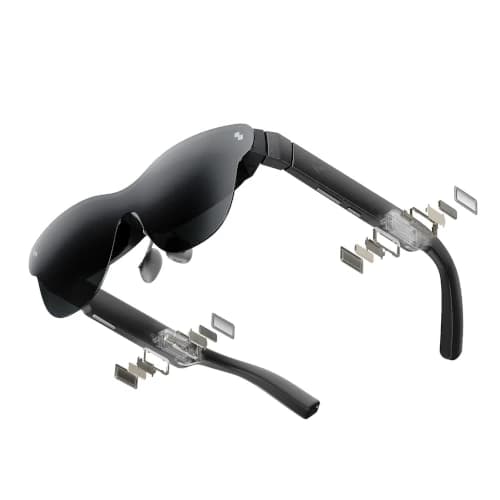
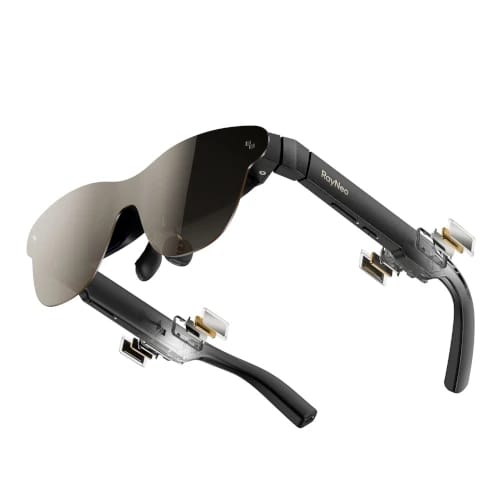
A RayNeo Air 3s Pro review should explain why a mature 1080p display can still be a smart purchase. Movies, streaming video, and most game interfaces remain sharp at the center, while the high-refresh mode provides the smooth-motion feature that players notice immediately. The product avoids paying for experimental spatial hardware that a first-time buyer may never use.

Its moderate field of view creates a large private screen without demanding the precise alignment of the widest premium optics. This makes subtitles and interface corners easier to see after basic nose-pad adjustment. It feels clearly larger than a handheld display, even if it does not imitate a wall-size theater.

The relatively light frame helps during travel and complete movie sessions. Weight distribution still matters more than a single number, so buyers should test every support option and wear the glasses for at least an hour. Early comfort does not always predict the pressure that appears during the final third of a film.

Gaming performance is strong for the price. Compatible handhelds and laptops can connect through USB-C video, while the high-refresh display keeps fast movement clean. The glasses draw power from the source, making a pass-through charging adapter useful for long trips or demanding games.

The missing feature is onboard screen anchoring. The virtual display follows your head, which many users accept quickly but others find tiring. Anyone already prone to motion discomfort should not choose the cheapest option and hope to adapt. A model with integrated spatial control is the more defensible purchase.

Phone buyers must confirm wired video output. The presence of a USB-C port says nothing about DisplayPort support, and many midrange phones omit it. HDMI consoles also need powered active conversion rather than a passive cable. These connection costs can narrow the price gap to a more expensive product.

The RayNeo Air 3s Pro verdict is built around low-risk entry. Its owner score and review volume offer more reassurance than many fresh flagships, and the product delivers smooth movies and games at a practical price. It is the pair to buy when you want to learn whether display glasses suit you before investing in the top tier.
Why It Works as a First Pair

The price is lower without falling into novelty-grade hardware.

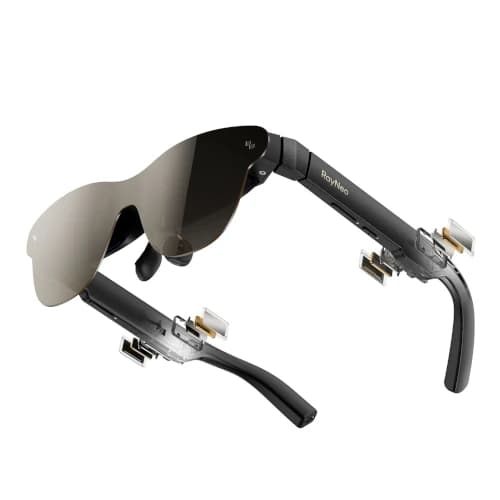
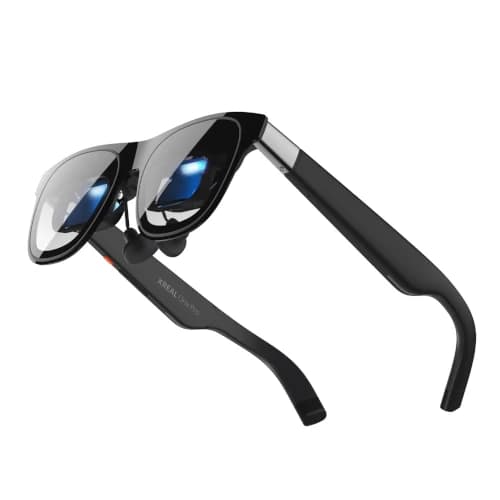
The OLED image, high-refresh mode, and moderate field of view cover the experience most buyers expect from premium display glasses.

A larger owner base gives new buyers more troubleshooting information and a clearer picture of common fit and compatibility complaints.

Travel Comfort and Power

The lighter frame helps, while the source battery remains the constraint.

Test a full-length session because nose pressure can appear well after a quick demo. Use the support option that centers the image without overtightening.

The connected handheld or phone powers the display. A reputable battery and pass-through adapter can extend use during long travel days.

Reasons to Spend More

Spatial stability and fine text are the meaningful upgrades.

Move to a premium pair if you need a pinned screen, a wider cinematic image, or higher-resolution text for laptop work.

Stay with Air 3s Pro if your main jobs are movies and games and a head-locked screen feels comfortable during the return period.

Specs & features

At a glance

The quick facts and the headline features that actually matter day to day.

Quick facts

Best Pick
Best Budget Premium
User Rating
4.2/5 from 570 reviews
Best For
First-time AR display buyers, college students, casual travelers, Steam Deck owners, and shoppers who want high-refresh OLED gaming under typical flagship prices.

Key features

  • 1080p OLED display with 46-degree field of view
  • Up to 120Hz refresh rate
  • Up to 1200-nit claimed brightness
  • USB-C DisplayPort input for compatible devices
  • Approximately 76g frame weight

Trade-offs

Pros and cons

The honest highs and lows we'd flag to a friend asking which to buy.

What we like

  • Lowest typical price in this premium shortlist
  • Strong 4.2-star Amazon rating across 570 reviews
  • Light enough for travel and shorter movie sessions
  • 120Hz keeps it useful for handheld gaming

Watch out for

  • No onboard spatial anchoring
  • Lower brightness than top flagships
  • Prescription users may need a separate insert

Side by side

How it compares

A quick look at the other picks in this guide and where each one wins.

Our process

How we evaluate products

What goes into every recommendation, so you know the rating is more than a spec sheet.

Real buyer feedback

We combine marketplace review signals with the strengths and drawbacks documented inside the original buying guide.

US-focused advice

Recommendations are framed for American homes, pricing realities, and ownership expectations relevant to the US market.

Value analysis

We look at positioning, compromises, and the quality of the product's feature mix instead of just headline specs.

Contextual comparisons

Every review stays connected to the rest of the shortlist, so buyers can move from one product page to its alternatives without losing context.

Buyer questions

Frequently asked questions

Real questions buyers ask before clicking buy.

Is RayNeo Air 3s Pro worth it?

Yes for first-time buyers who want a credible OLED movie and gaming display at a lower price. It offers high-refresh output and a strong owner record.

Does RayNeo Air 3s Pro work with Steam Deck?

Yes, it can connect to a compatible Steam Deck USB-C video port. A powered pass-through adapter supports longer sessions while charging.

Does RayNeo Air 3s Pro have screen anchoring?

No onboard spatial anchoring is the main compromise. The standard virtual screen follows your head movement.

Can RayNeo Air 3s Pro replace a TV?

It can provide a private large-screen experience for one person. It cannot replace the shared viewing, speakers, and simple access of a household TV.

Keep exploring

Discussion

Be the first to comment

Have a question or experience to share? Scroll down to leave a comment.