Skip to content

Wearables & Gadgets

XREAL 1S Review for Handheld and PC Gaming

Subhadeep GhoshUpdated June 15, 20264.0 rating
XREAL 1S review for USA buyers
Best Gaming Pick
4.0(200 reviews)

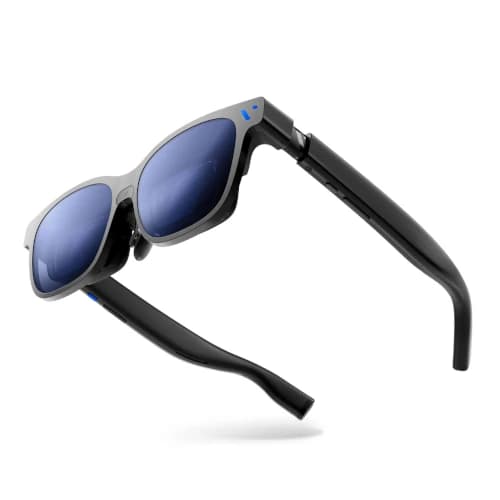
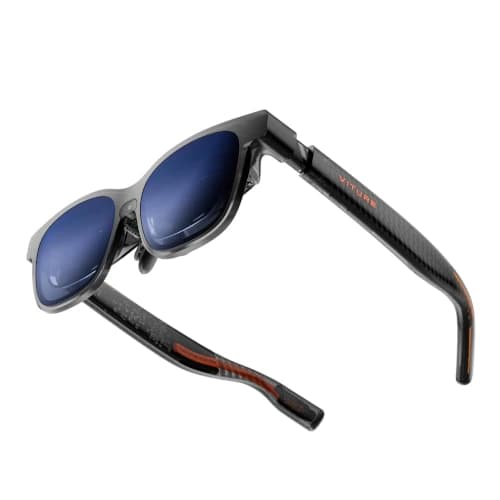
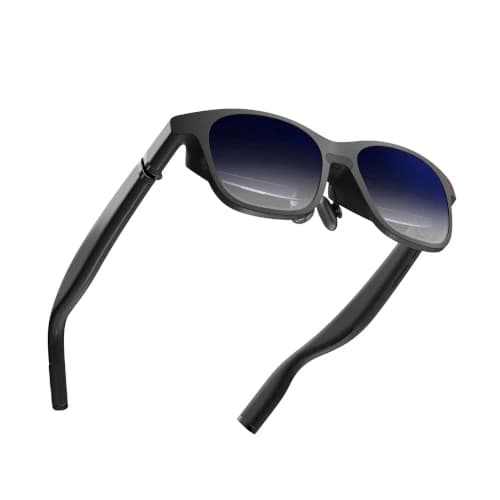
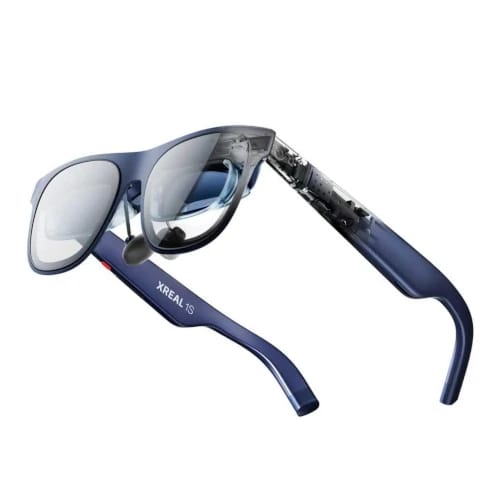
XREAL 1S is the gaming-focused step below the brand's premium flagship, pairing a sharp current-generation display with high-refresh output and integrated spatial controls.

It suits players who want screen stabilization and modern panel clarity but do not need the widest possible view or the most expensive frame in the range.

Value
Great value
Rating
4/5
Reviews
200

Summary

Our verdict

The bottom line, who it fits, and where to think twice before you scroll the full review.

Verdict

Buy XREAL 1S for handheld and PC gaming when onboard spatial behavior matters more than maximum field of view. It delivers the important gaming advantages without forcing the flagship price.

Skip it if you mostly watch occasional movies and do not feel discomfort from a screen that follows your head. A fixed-screen value model will cost less.

Best for

Steam Deck, ROG Ally, Legion Go, gaming laptop, and PC users who want high-refresh output, a sharp image, and onboard screen stabilization.

Watch outs

Movie-only buyers, shoppers who need built-in diopter adjustment, or users expecting automatic 3D conversion to work perfectly with every title.

Long read

Detailed review

Hands-on context, what daily ownership feels like, and where this pick lands against rivals.

Editor's take

An XREAL 1S review should judge it as a gaming monitor first. The current-generation panel provides enough resolution for small HUD text, while the high-refresh mode keeps camera movement and scrolling clean. It feels particularly well matched to handheld PCs because the controller remains familiar and the display becomes much larger without adding headset weight.

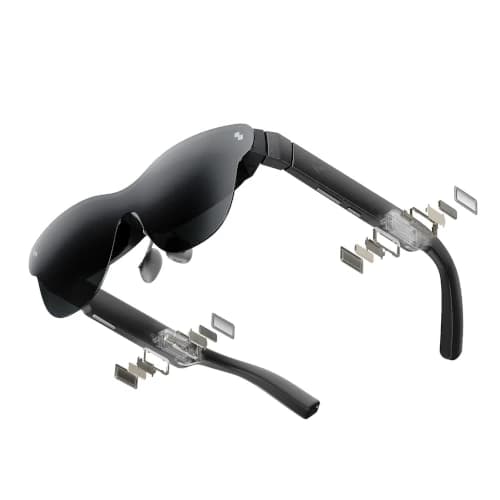
The integrated spatial processing is the main reason to choose it over cheaper fixed-screen glasses. Players naturally glance toward controls, shift posture, and turn toward sounds in the room. A stabilized virtual screen does not need to follow every movement, which can reduce visual fatigue during longer sessions.

Not every game benefits from the maximum refresh setting. Demanding modern titles may run best at a stable 60 frames per second, while indie games, emulation, racing titles, and older libraries can make better use of faster output. The source device controls the real frame rate, so the display cannot repair inconsistent performance.

Automatic 2D-to-3D conversion is an entertaining extra rather than the product's foundation. Certain scenes gain convincing depth, but game interfaces and rapid transitions can look less natural. Buyers should treat the mode as optional experimentation and keep ordinary 2D output as the dependable setting.

The open-ear audio emphasizes clarity and positional information. That works for dialogue and competitive cues, while low bass remains limited. In a shared apartment or quiet cabin, route sound to Bluetooth earbuds connected to the handheld or computer for better privacy.

Connection planning remains essential. Gaming handhelds and many laptops offer direct USB-C video, but consoles need active powered conversion. Pass-through charging is worth budgeting for because the source device powers the glasses and can lose runtime faster during demanding games.

The XREAL 1S verdict is that it occupies a sensible middle position. It gives gamers the current panel and spatial behavior they will notice while omitting some flagship scale. Buyers who value function over the broadest possible image should prefer this balance, especially for weekly handheld sessions at home and during travel.
Handheld Gaming Experience

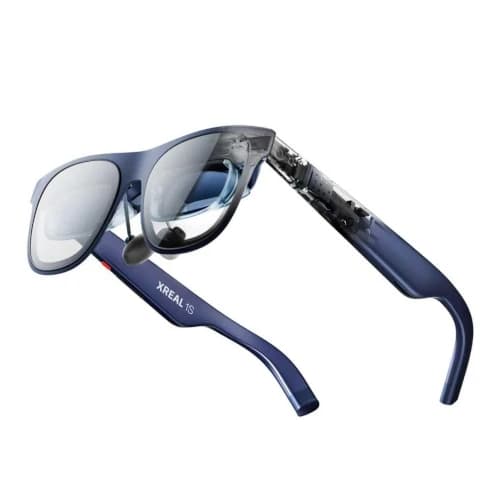
The glasses turn a portable PC into a large private gaming screen.

Direct USB-C connection keeps the setup simple on compatible handhelds. Configure a stable resolution and frame rate rather than automatically choosing the maximum output.

A powered pass-through adapter is valuable for long sessions because the glasses draw energy from the same battery already running the game.

Spatial Control and 3D Mode

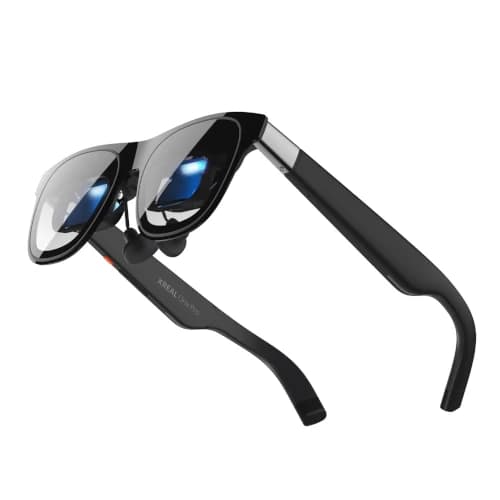
Screen stabilization is dependable; automatic 3D is optional.

Keeping the screen in a stable direction makes controller glances and posture changes feel more natural than a fully head-locked display.

The conversion mode can add depth to selected content, but it should be evaluated title by title rather than treated as a universal upgrade.

Where It Fits in the Range

It is the gaming-value choice within the current XREAL family.

Choose it when onboard spatial processing matters but the premium model's extra width does not justify the additional cost.

Move down to a fixed-screen pair for occasional use, or move up when the largest cinematic image is a priority for every session.

Specs & features

At a glance

The quick facts and the headline features that actually matter day to day.

Quick facts

Best Pick
Best Gaming Pick
User Rating
4/5 from 200 reviews
Best For
Steam Deck, ROG Ally, Legion Go, gaming laptop, and PC users who want high-refresh output, a sharp image, and onboard screen stabilization.

Key features

  • 1200p-class OLED display with 52-degree field of view
  • 120Hz support for compatible PCs and handhelds
  • Built-in spatial display controls
  • Automatic 2D-to-3D conversion mode
  • Bose-tuned open-ear speakers

Trade-offs

Pros and cons

The honest highs and lows we'd flag to a friend asking which to buy.

What we like

  • Sharp center image and smooth motion for games
  • Onboard processing reduces accessory dependence
  • Useful field of view without flagship pricing
  • 3D conversion adds an optional entertainment mode

Watch out for

  • Review base sat right at 200 at verification, smaller than the value picks
  • 3D conversion quality depends heavily on the source content
  • Console play still needs the correct powered adapter

Side by side

How it compares

A quick look at the other picks in this guide and where each one wins.

Our process

How we evaluate products

What goes into every recommendation, so you know the rating is more than a spec sheet.

Real buyer feedback

We combine marketplace review signals with the strengths and drawbacks documented inside the original buying guide.

US-focused advice

Recommendations are framed for American homes, pricing realities, and ownership expectations relevant to the US market.

Value analysis

We look at positioning, compromises, and the quality of the product's feature mix instead of just headline specs.

Contextual comparisons

Every review stays connected to the rest of the shortlist, so buyers can move from one product page to its alternatives without losing context.

Buyer questions

Frequently asked questions

Real questions buyers ask before clicking buy.

Is XREAL 1S good for Steam Deck?

Yes. It can connect to a compatible Steam Deck USB-C video port and provides a sharp high-refresh external display for supported games.

Does XREAL 1S have screen anchoring?

Yes, its onboard processing supports spatial display behavior that can keep the virtual screen steadier than a basic head-locked image.

Is the 2D-to-3D mode worth using?

It is worth trying with selected movies and games, but results vary. Standard 2D remains the more predictable mode for interfaces and fast action.

Can XREAL 1S connect to PS5 or Xbox?

Yes, with a compatible active HDMI-to-USB-C adapter that also supplies power. A passive cable is not enough.

Keep exploring

Discussion

Be the first to comment

Have a question or experience to share? Scroll down to leave a comment.